
The link generator
The link generator links the references in something you are writing, for people who don't have the extension: a forum post, a blog article, a wiki page or an email.
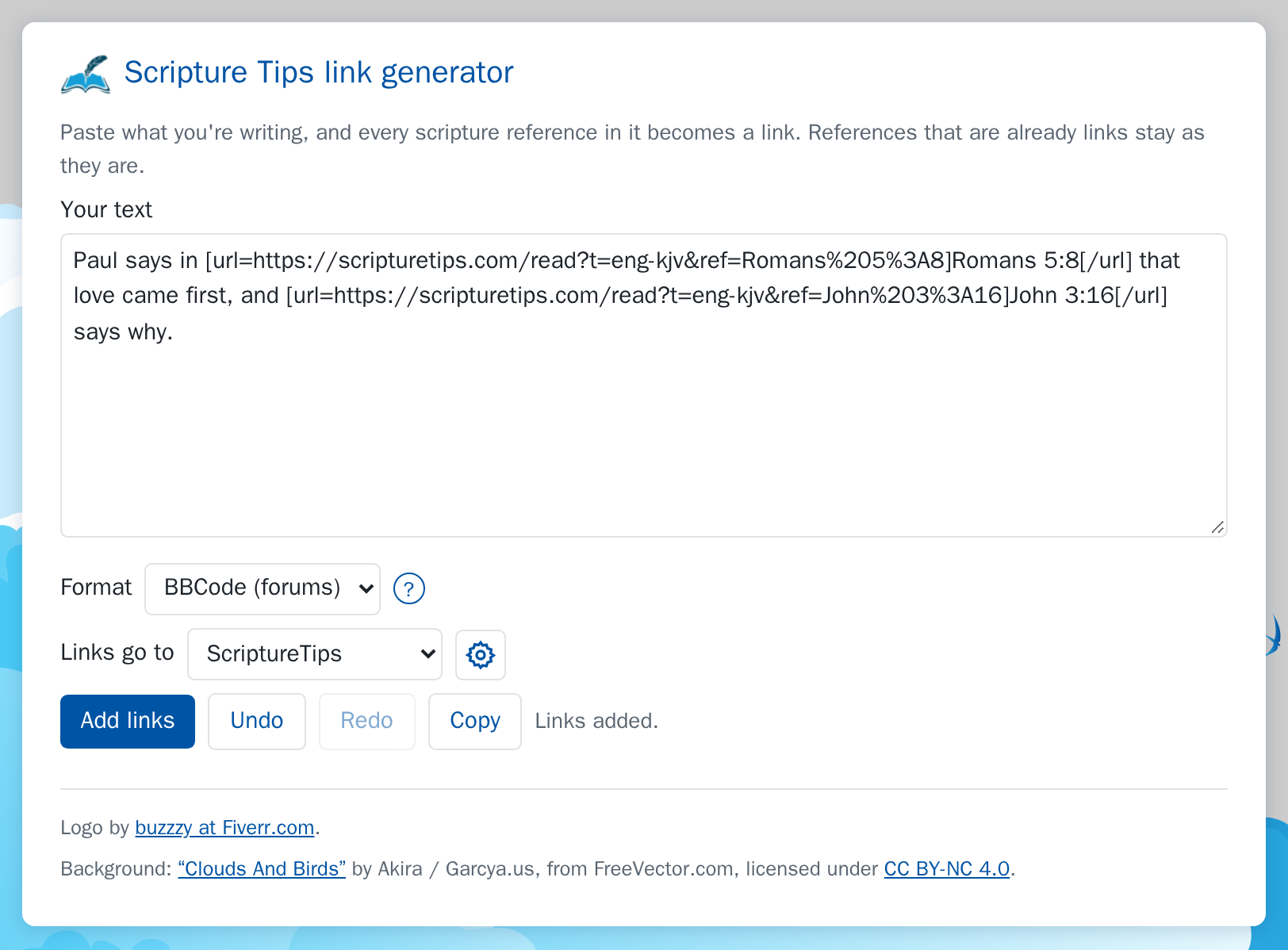
Using it
- On the page you're writing on, click the extension's toolbar button, then Generator. It opens as a window on the page.
- Paste or type your text into Your text.
- Choose the Format your site uses (the round ? after it explains the choices), and where the Links go to. The cog beside it opens the settings, where you can add other sites for links to go to.
- Click Add links, then Copy, and paste it where you're writing.
The window
The generator opens as a small window on top of the page, so you can write beside what you're reading. Drag it by its title bar to move it, and drag the corner at its bottom right to make it larger or smaller (with the keyboard, focus the corner and use the arrow keys). It remembers where you left it. Close it with the × in its title bar, or press Esc while you're in it. The page's own styles never change how it looks.
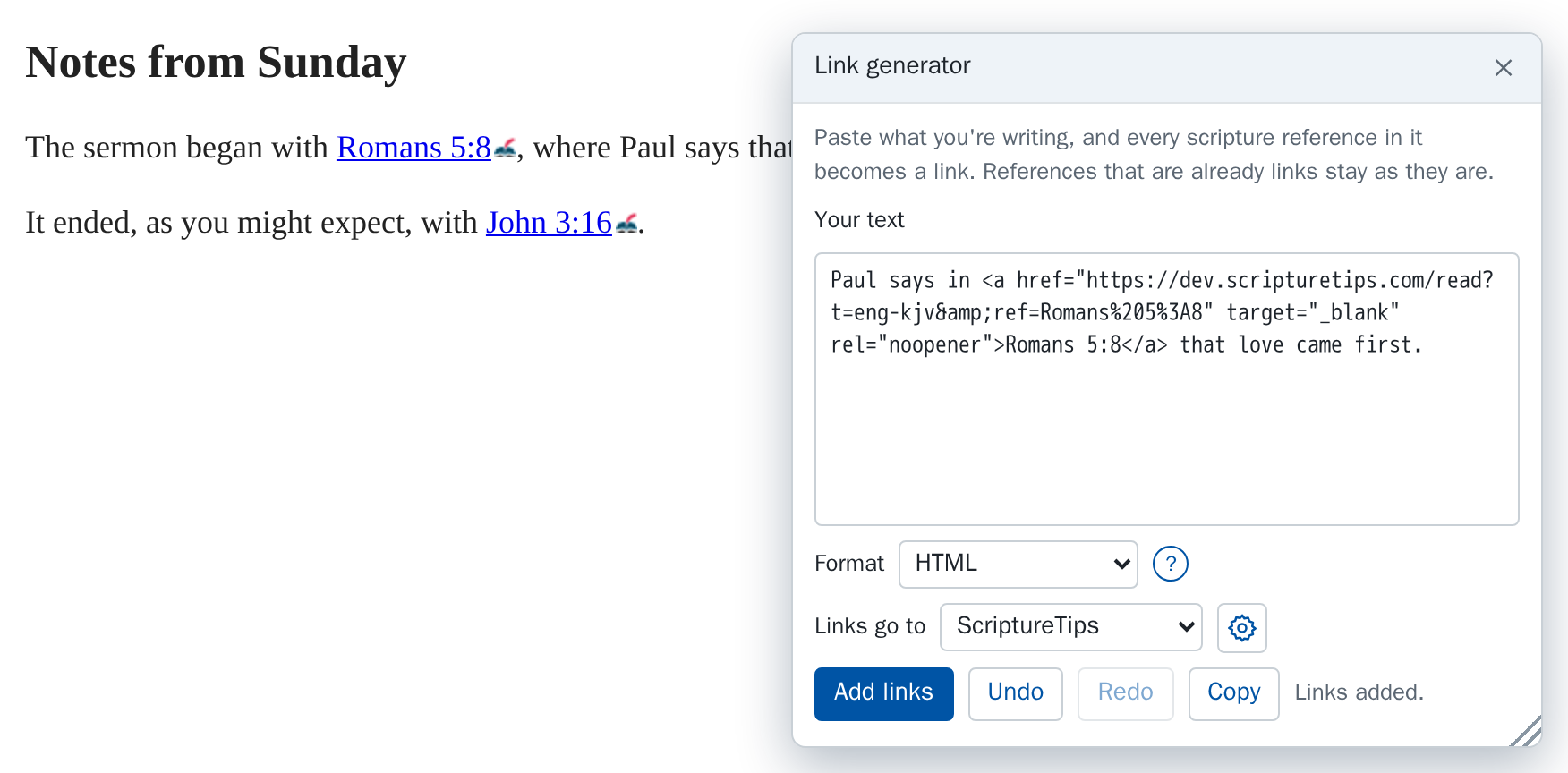
On a page where the extension can't open a window, such as the browser's own pages, the button opens the generator in a tab of its own instead, laid out like the settings page, over the same clouds-and-birds artwork.
Formats
| Format | A link looks like |
|---|---|
| HTML | <a href="…" target="_blank" rel="noopener">John 3:16</a> |
| BBCode (forums) | [url=…]John 3:16[/url] |
| Wiki markup | [… John 3:16] |
| Markdown | [John 3:16](…) |
The format it starts with is set under Defaults on the settings page (The link generator's format).
Good to know
- In HTML, every link opens in a new tab, so your readers keep their place. The other formats have no way to say that: whether those links open in a new tab is up to the forum, wiki or editor they're posted in.
- References that are already links, in any of the four formats, are left as they are, so running it twice changes nothing.
- Undo and Redo step back and forward through each time you added links.
- If there is nothing to link, it says “No references to link.”